

Flodesk vs Substack: Which tool is better in 2026?
You want to start a newsletter but have heard great things about Flodesk and Substack - so which should you choose?
I’ve been running email marketing campaigns and sending newsletters for clients and my own businesses for over 12 years now, and blogging for the same time too, and have seen the online world come full circle into wanting to prioritise long-form content again after so many years of social media taking the throne.
Both Flodesk and Substack are great tools for getting into ‘long form’ content - blogging / newsletters etc. - but what many don’t realise is they have quite different purposes…
Table of Contents
*Disclaimer: This post contains affiliate links where I get a small commission if you make a purchase, so thank you in advance for your support! Please know I would never recommend anything that I don’t personally LOVE myself.
What is Flodesk?
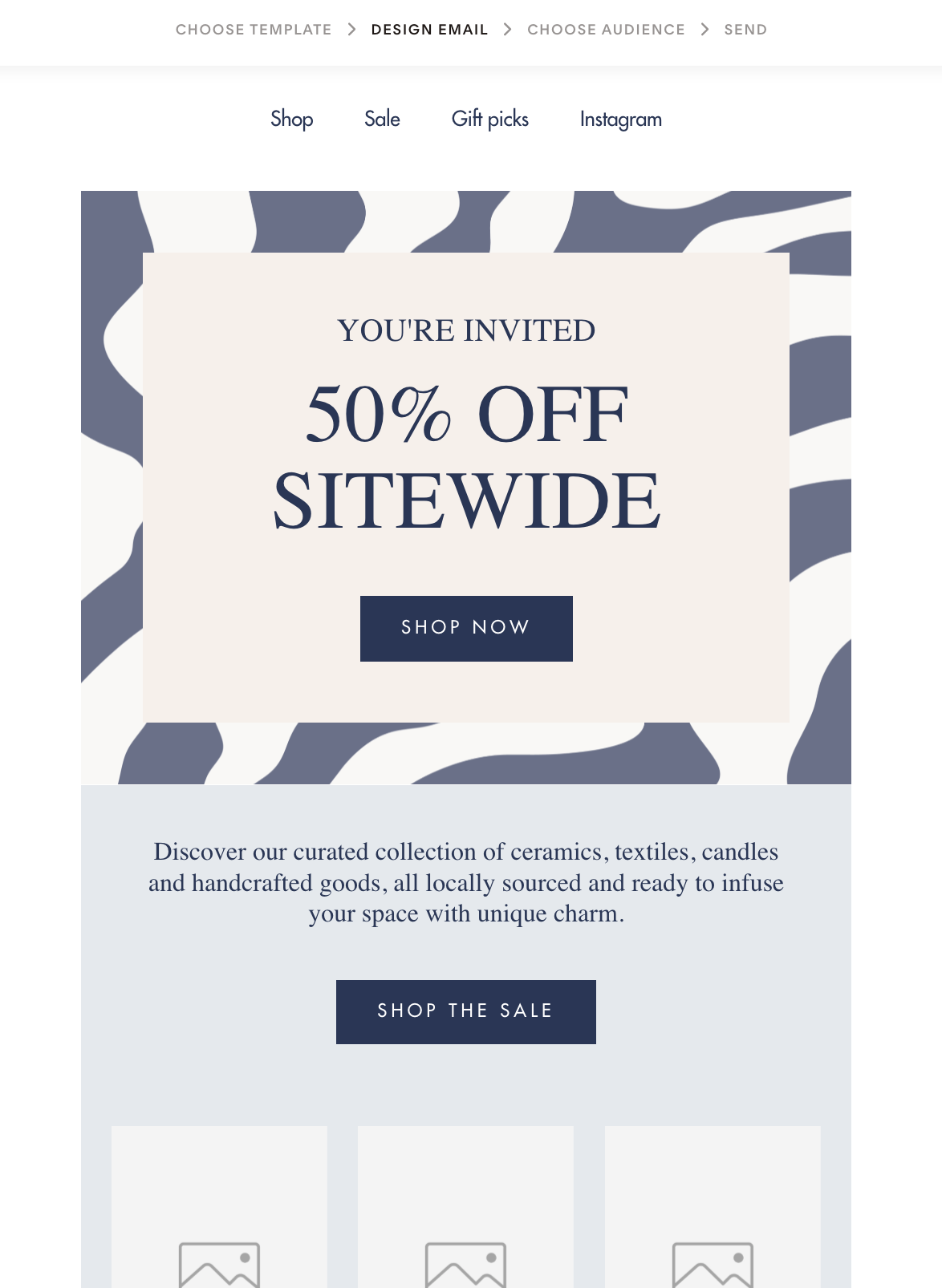
Flodesk* is a complete email marketing tool - designed for businesses, brands & creatives - that allows you to collect email addresses, grow an email list of subscribers by adding sign up forms to any website, and send email newsletters/promotions/content to those subscribers either as one-off campaigns or within automated email sequences.

What is Substack?
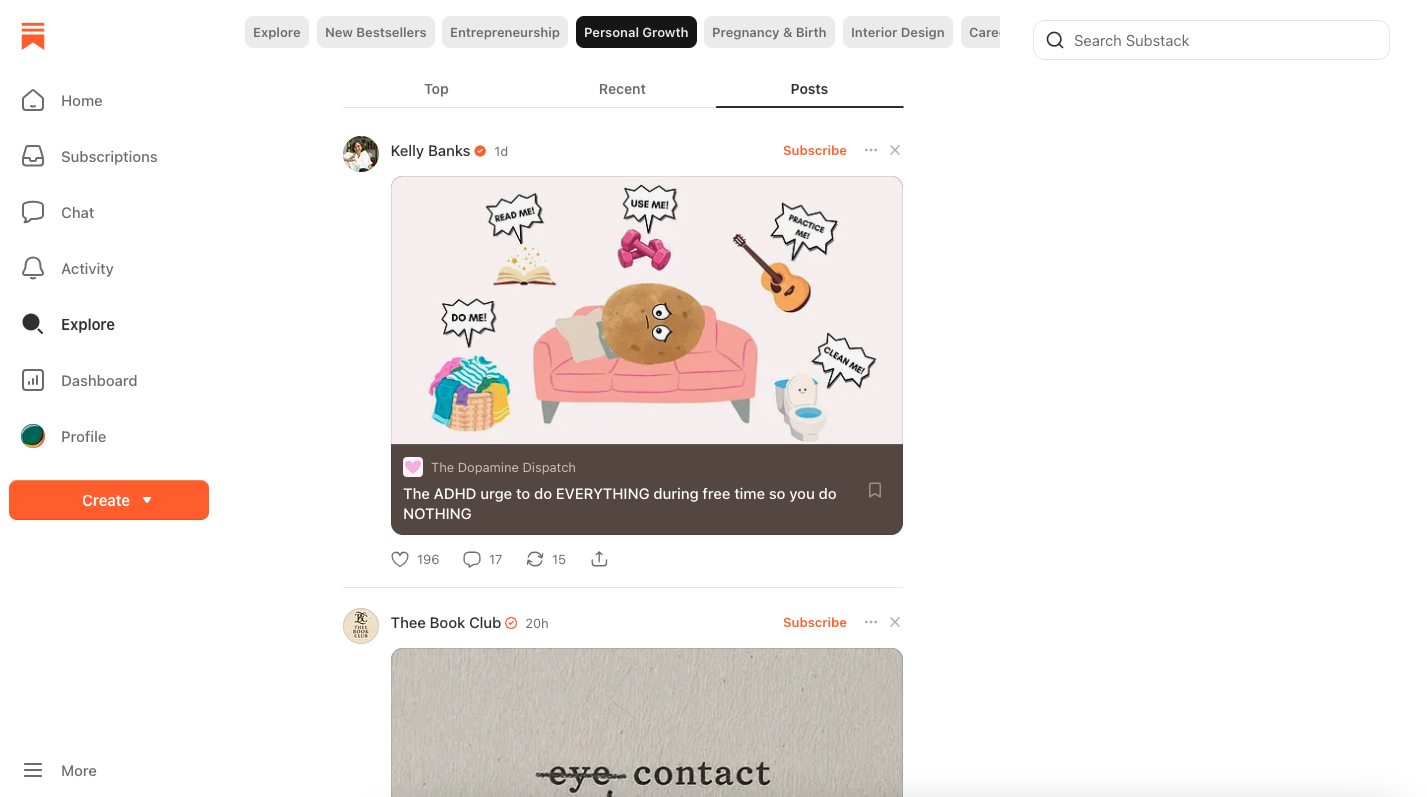
Substack is a media platform where you can create a hybrid blog / email newsletter, and use it as a ‘social network’ as well. People can ‘subscribe’ to your Substack, so that when you create an article (ie. a blog post), they’ll see it in their feed and receive it as an email newsletter automatically as well.
Your subscribers can also see posts you share (ie. more like Facebook/LinkedIn posts), comment, engage and DM you as well - hence how it works also like a social media platform.
The main difference between Flodesk vs Substack
Lots of people think they should be choosing between these tools because they offer the same solution, but the truth is they are used completely differently, and so shouldn’t really be compared!
While Flodesk* is purely about email (and offers the ability to create complex email automations, funnels, plus sending regular email newsletters that can be about anything you like - including sharing your blog posts if you wish), Substack is NOT an email marketing tool - it is more akin to a social media platform with long-form posting, that also offers the ability to send your posts as emails automatically.
On Substack you still collect email subscribers (as with Flodesk), but you don’t have a full range of email marketing tools that would need for running a business.
And while Flodesk doesn’t have the ability to create or share articles or posts anywhere other than within your emails, you have full control over your email list rather than relying on another media platform.
Flodesk pros and who it’s best for
It’s not really possible for me to share ‘cons of Flodesk’ here as a way of comparing to Substack, because the tools are so different and used for different purposes!
Pros of using Flodesk
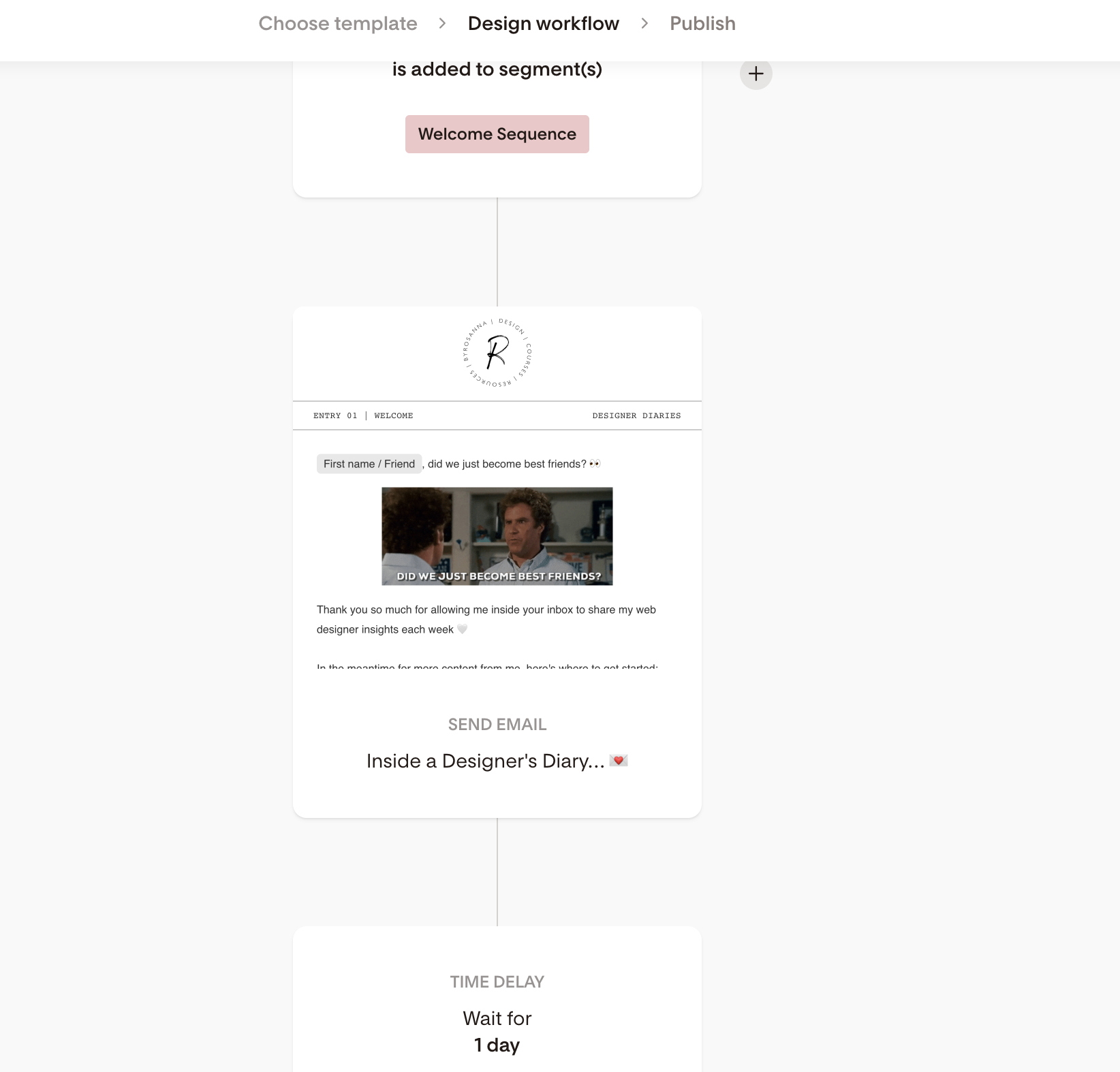
You have full control over your list with advanced business features like segmenting, personalisation, automations, integrations etc.
Create ‘opt-in incentives’ and sales funnels for list growth, engagement and conversions
Design visually stunning emails & on-brand consistency with sign up forms, landing pages etc.
In-depth analytics of your email performance, sign up forms, automations and more
You can easily ‘sell’ a paid email newsletter on Flodesk; this requires a higher paid plan with Flodesk Checkout enabled (but doesn’t take a % cut of your sales, unlike Substack as you’ll see below!)
Considerations when comparing Flodesk vs Substack
Flodesk has a monthly/annual subscription cost (although you can get 25% off your first year with my sign up link!*)
Flodesk requires you to have a custom domain and email address and requires a little bit more set up (although it’s definitely the easiest and most intuitive of all the full email marketing tools out there!).
Who is Flodesk best for?
Businesses wanting to use email as a marketing tool, building trust and increasing sales/conversions
Personal brands that want to future-proof their marketing with full control (rather than relying on another media platform)
Substack pros & who it’s best for
Again I can’t really share the cons of Substack in relation to Flodesk because their solutions are so different, and shouldn’t really be being compared!
Pros of using Substack
Extremely easy and quick to set up (no custom domain needed) with great mobile app
Community and social focused
Easily sell paid newsletters with a range of paid subscription options
Free to use (although will take a 10% cut of any paid newsletter subscriptions you have)
Ability to create audience-specific content based on paid subscriptions (Flodesk doesn’t have this feature - yet!)
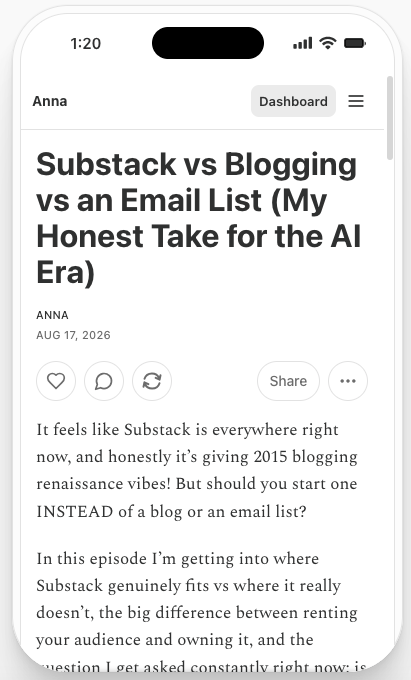
considerations when comparing substack with flodesk
Substack doesn’t allow much customisation when it comes to designing your emails or your platform
Substack doesn’t have all of the advanced email marketing features you would want as a business
Substack takes a 10% cut of any income you make with paid newsletters; this could add up a LOT depending on how many subscribers you have!
Who is Substack best for?
Writers and creatives who may not have a business yet, but want an outlet for their content (paid of free)
Creating content on a niche or interest-based topic that doesn’t fit within your usual business content (and so works better on a separate platform building a separate audience)
How to sell a paid newsletter without Substack (and their 10% cut!)
Lots of people started using Substack initially because of how easy it makes selling paid content. With Substack, you can charge different tiered subscription pricing to people to access exclusive content from you, and it’s very easy to set up.
But (and it’s a BIG but), while Substack is free to use and doesn’t charge a monthly/annual fee to use their platform, they do take a 10% commission on every paid subscription you sell.
Depending on the price of your subscriptions and the amount of subscribers you have, that can add up to a LOT! And it may end up making more financial sense for you to be paying monthly/annually for a tool (ie. like Flodesk*) rather than losing 10% of all your income.
Option 1: Use your website to sell a paid newsletter
If you already have a website, chances are it has ecommerce capabilities built in to it, which would allow you to create a product for your email newsletter and sell it.
You would then just need an email marketing software (such as Flodesk but it could be any tool), and a way to integrate this with your website’s ecommerce so that when someone purchases the product on your website, they automatically get added to your email marketing software in a segment for ‘paid subscribers’.
It might be possible to do this with native integrations, OR you may need to use an automation/integration software like Zapier to help you do this. It can be a little complex to set up but this is one option!
Option 2: Use Flodesk Checkout to sell a paid newsletter (simplest option!)
If you want the easiest option, you can actually do all of this easily within Flodesk using their ‘Checkouts’ feature. This is an add-on to their standard email marketing plan, so your monthly/annual Flodesk cost would increase slightly (although you can get 25% off your first year with my sign up link!*), but it keeps all your sales pages, checkout payments, and email newsletter all in one tool.
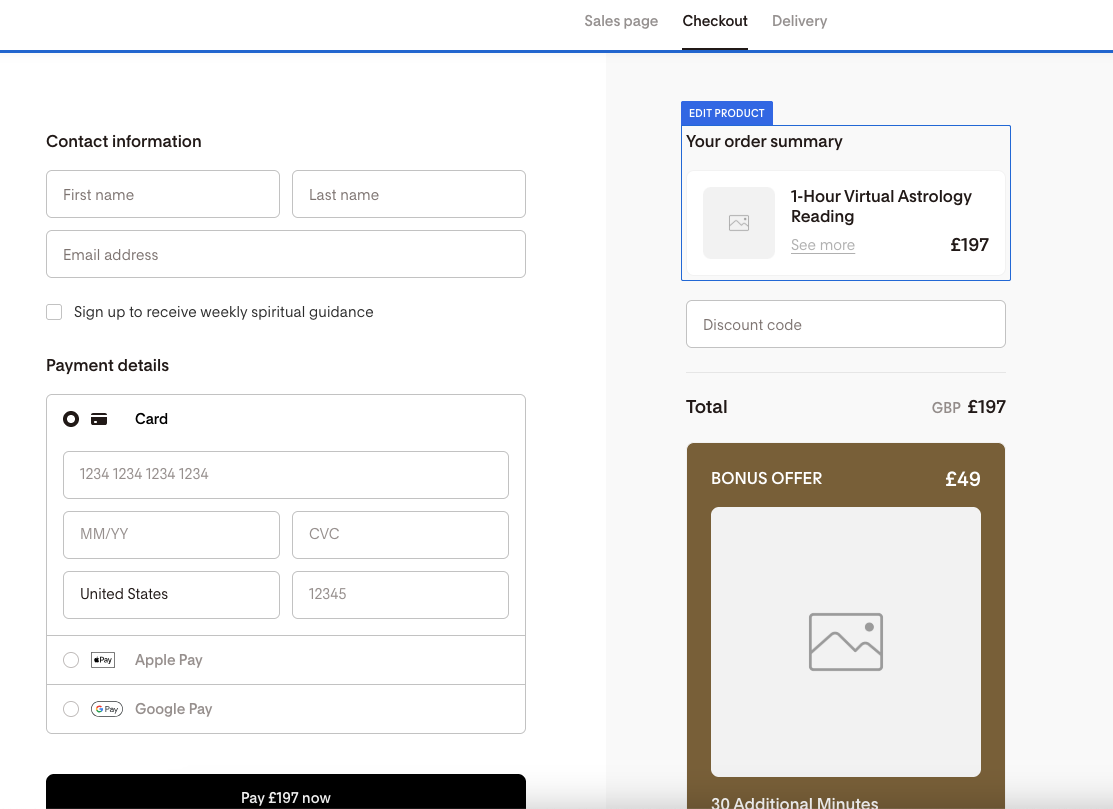
I have a full tutorial on Flodesk Checkout here that you can use to set up your paid email newsletter!
How to move from Substack to Flodesk
If you’ve decided that Flodesk* is going to be a more future-proofed option for your content moving forward, here’s how to easily make the switch from Substack to Flodesk:
Step 1. Export your Substack subscribers into a Csv file
Substack allows you to export your subscribers’ email addresses from their platform as a CSV file, which is great as it means you can upload this into any new email marketing software to use. Follow these steps for how to export your subscribers from Substack.
(Remember if you have different tiers of subscribers, download each tier as its own file so you can differentiate between them).
step 2. Create a segment for your substack subscribers in Flodesk
In Audience, go to Segments and create a new segment. Name it ‘Substack Subscribers’ or something similar so you know what it is OR if you have different tiered lists, create a segment for each list.
step 3. Import the csv file into Flodesk, mapping the fields together
Upload your Substack CSV files into the correct segments, and map the data from the CSV into the correct Flodesk fields. I have a full tutorial for how to migrate to Flodesk here.
What is the difference between Substack vs a blog?
So you may be wondering - okay Substack is clearly very different to having a proper email marketing setup, but what is the difference between a Substack and having a blog on your website?
I’ve covered this in-depth in this podcast episode on Substack vs Blogging, but the main difference is that you OWN your website’s blog - it’s not a separate platform owned by a company. Therefore you have more control over the content, AND the content you share on your website’s blog actually helps with your overall website’s SEO (and AIO) as well! This is hugely beneficial, and something you miss out on if you keep your content on a separate platform (ie. Substack).
Think Flodesk might be the right fit for you? Save 25% on your first year!
Sign up using my link below or use code 00G2QH: